

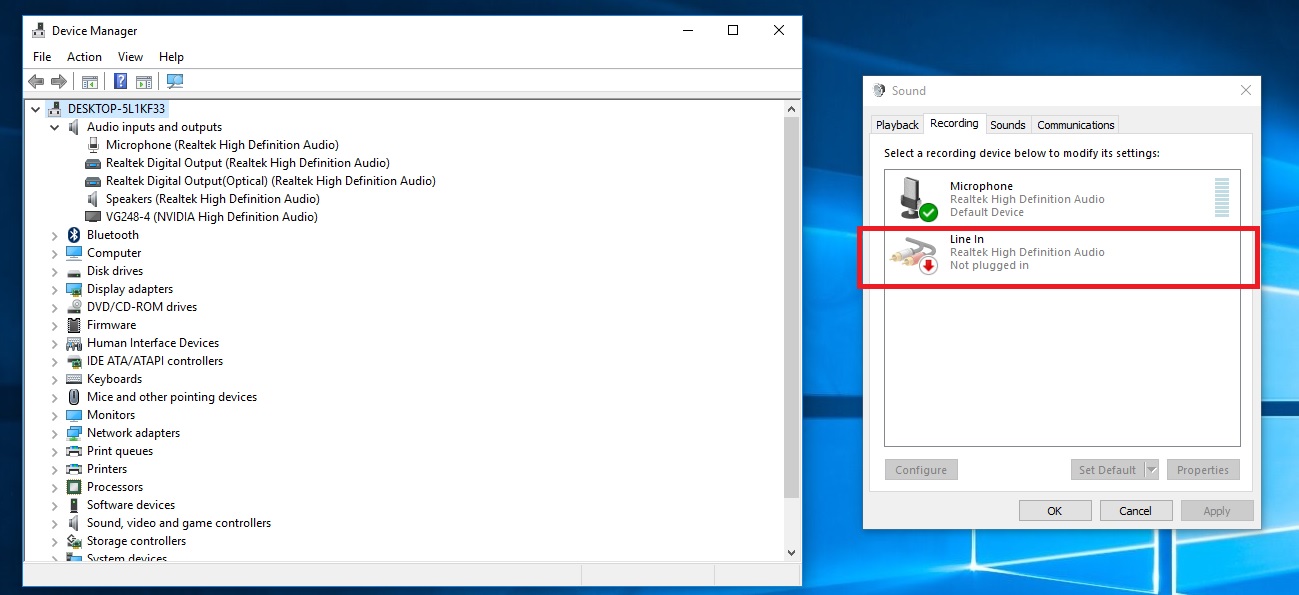
From the Control Panel -> Sound -> Recording I have this : Line in Realtek Hight Definition Audio Not plugged in Wich aoy me a lot, I wish it to be perfect. I don't understand that, I what is wrong with it. How can I plug it in?
Thanks for help.
Addtioal information:
- I'm using windows 10
- My microphone is pluggued at the back
- I use a MG102C audio Mixer (Yamaha) with a lot of cables.
- I can record something using my microphone
- I have "hum" ground loop noise, with monitor speaker/microphone, I bought some Audio Noise Filter Ground Loop Isolator Suppressor at ebay to try to solve this other issue.
- My computer is brand new, I have build it myself from parts bought on the inteet, no exteal sound card.
- My motherboard: ASUS X99-DELUXE II (https://www.asus.com/ca-en/Motherboards/X99-DELUXE-II/)